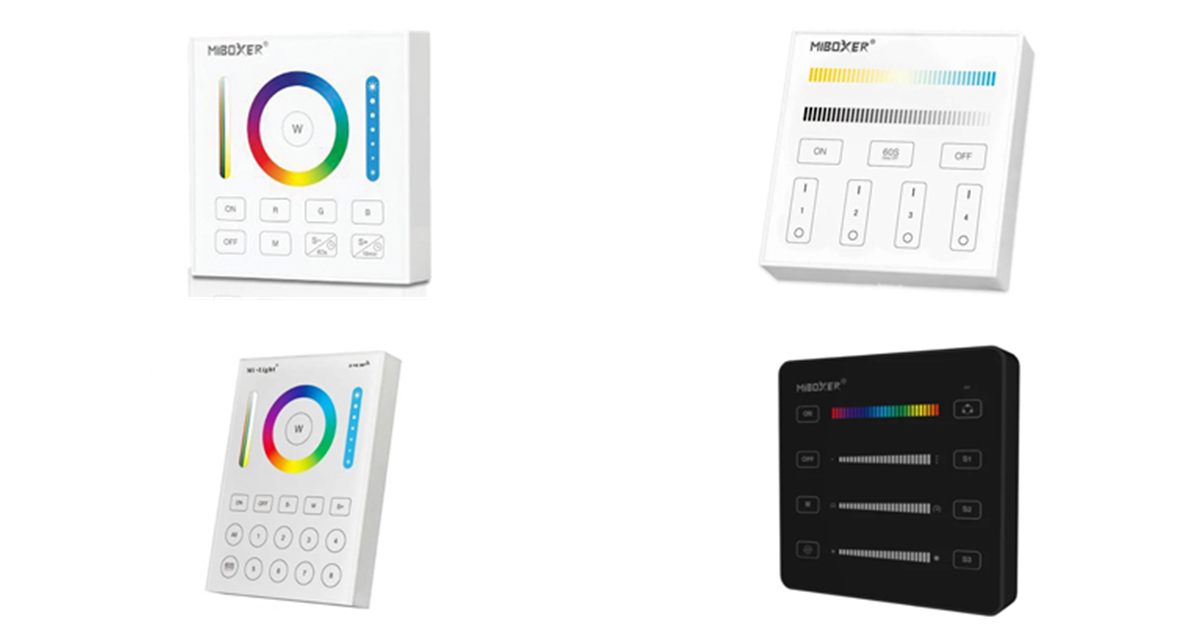
How battery-powered B series touch panels control LED lighting wirelessly through MiBoxer receivers, and how to choose the right panel.
Overview
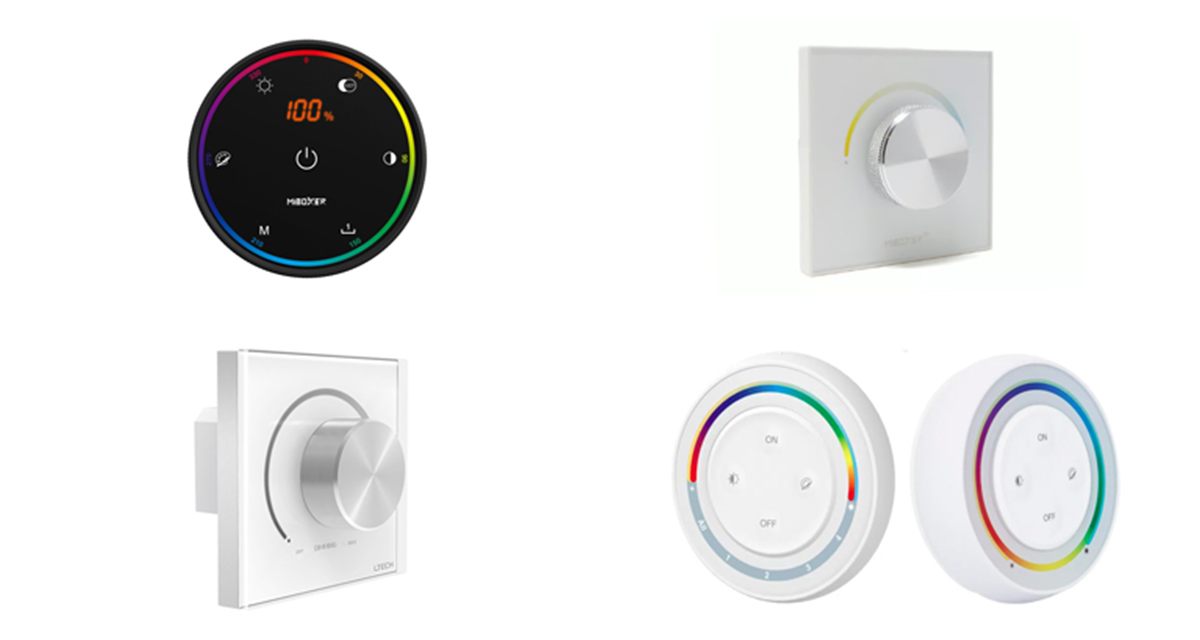
B series panels are MiBoxer (Mi-Light) wall controls with a capacitive glass touch surface. They look and feel like a wired wall panel, but they run on two AAA batteries and send 2.4GHz RF commands to MiBoxer receivers. The receivers then dim and colour-mix the LED strip or fittings connected to them.
Because there is no cable between the panel and the lights, a panel can be stuck to any flat surface in minutes. That makes them ideal for retrofit work and for adding a second control point. Our range covers single colour, CCT, RGBW, RGB+CCT and SPI pixel control, with single, 4-zone and 8-zone models.
The technology
Under the glass, a capacitive touch IC senses your finger on the buttons and sliders. The panel then sends a short 2.4GHz message with its own ID, the zone and the command.
Each receiver responds only to the panels and zones it has been linked to. One panel can therefore set different areas to different levels and colours, or switch them all together with ALL ON and ALL OFF.
The panel draws only microamps on standby, so two AAA batteries last a long time.
Control options
Choose the panel type to match the LED strip and the receiver you are using.
| Light type | Panel controls | Receiver channels | Our panels |
|---|---|---|---|
| Single colour | On/off and brightness, 1–100% | 1 | B1, B5 |
| Tuneable white (CCT) | Brightness and colour temperature | 2 | B2 |
| RGB / RGBW | Colour, white, brightness and dynamic modes | 3 or 4 | B3 |
| RGB+CCT | Colour, saturation, CCT, brightness and modes | 5 | B4, B0, B8 |
| SPI pixel strip | Colour order, pixel count, effects and scenes | SPI data | B6 with SPIR3 controller |
See also RF receiver driver technology for the receivers these panels control.
Our range
Pick the light type, then the number of zones you need.
| Panel | Zones | Control | Features |
|---|---|---|---|
| B1 | 4 | Brightness | Dimming slider, 60s delay off |
| B5 | 4 | Brightness | A dimming slider per zone, 4 scenes |
| B2 | 4 | CCT | CCT and dimming sliders, 60s delay off |
| B3 | 4 | RGB / RGBW | Colour slider, white, dynamic modes |
| B4 | 4 | RGB+CCT | Colour and CCT sliders, dynamic modes |
| B0 | 1 | RGB+CCT | Colour ring, R/G/B keys, delay off |
| B8 | 8 | RGB+CCT | Colour ring; battery or mains PSU |
| B6 | — | SPI pixel | 8 to 2048 pixels, 3 scenes, magnetic |
All panels use 2.4GHz RF with a control distance of around 30m.
Benefits
Why a wireless touch panel is a neat way to control LED lighting.
No wall box, mains supply or control cable. Stick the panel where you need it.
A sleek capacitive panel with sliders, colour ring and audible feedback.
Control up to 8 areas separately, or all of them together.
Dimming, tuneable white, RGBW, RGB+CCT and SPI pixel effects.
Microamp standby current means two AAA batteries last a long time.
Works alongside MiBoxer remotes, receivers and WiFi controllers.
Selection & set-up
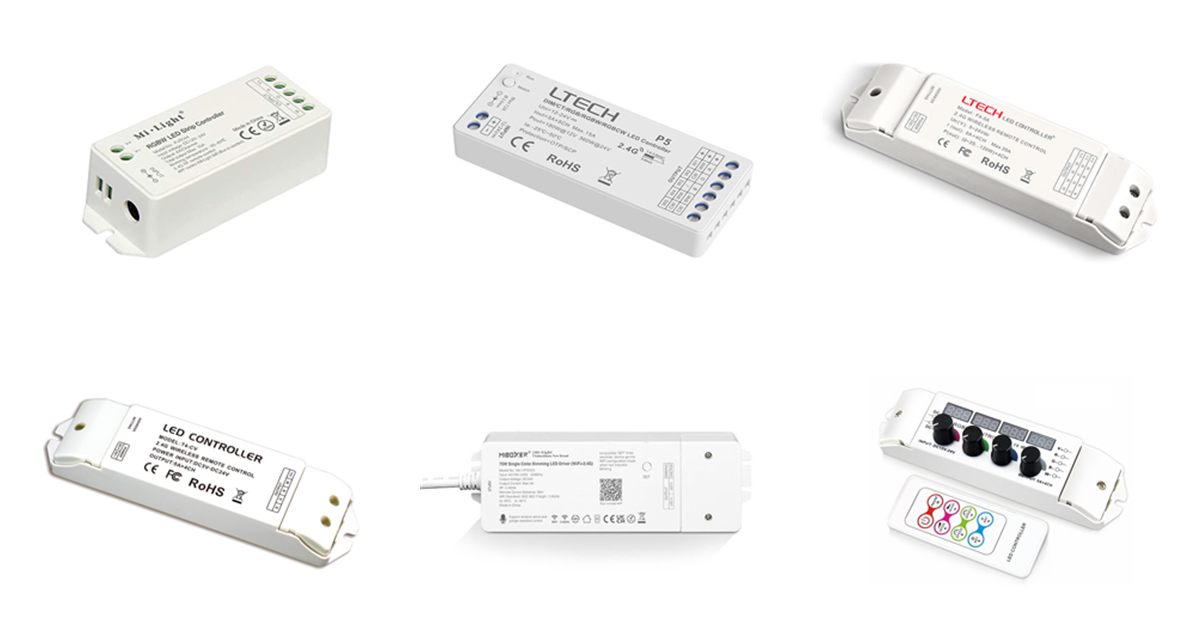
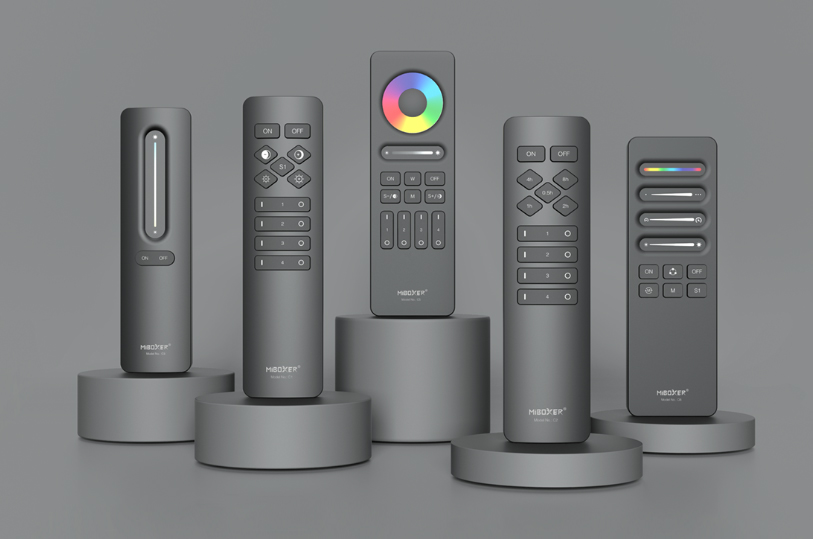
Complete the system with receivers, remotes and controllers:
Wherever a wall control is wanted without new cabling.
Kitchen, lounge and bedroom lighting from a wall panel.
Bar and restaurant mood lighting in zones.
Meeting and reception lighting with no rewiring.
Display and window lighting set by store staff.
Add a panel by a door or bed alongside a hand-held remote.
Add wall control to LED strip on glass, tiles or panelling.
Explore
Browse receivers, remotes and other controllers.
FAQ
Our team can help you match panels, receivers and LED strip for your project.
Talk to Our Engineers