Request a Quote

RF Receiver Driver Technology

How RF receiver drivers give wireless control of LED strip from hand-held remotes and touch panels, and how to choose the right one.

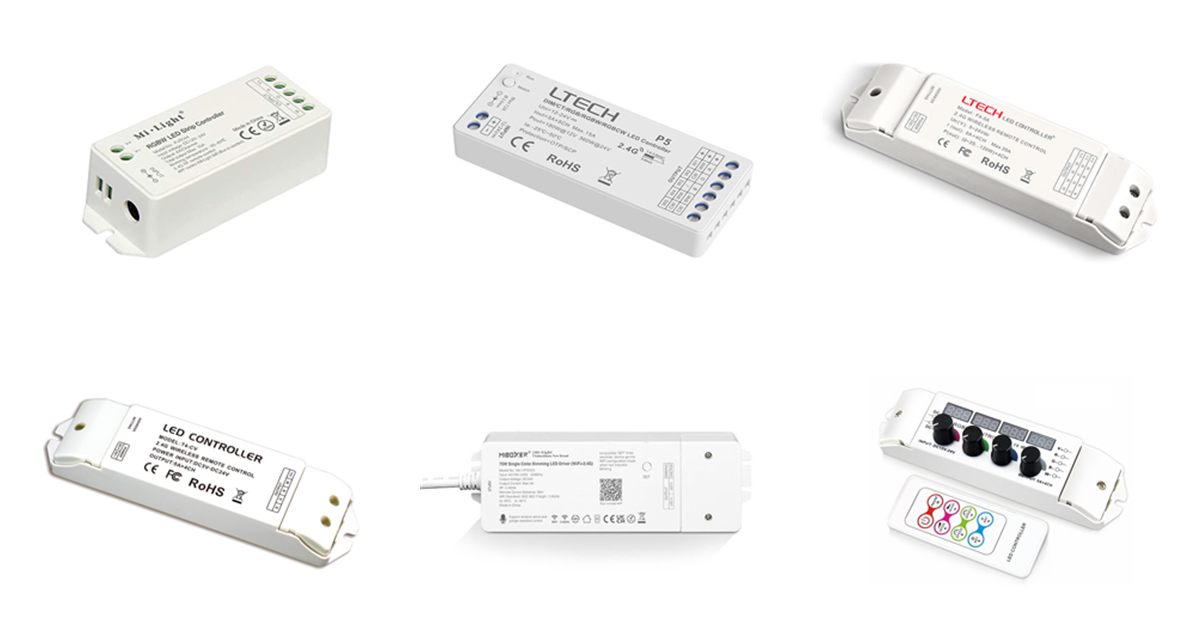
RF LED receiver drivers from Mi-Light, MiBoxer and Ltech

Overview

What is an RF receiver driver?

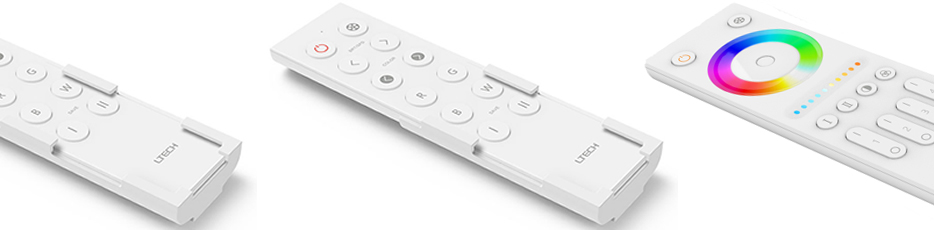
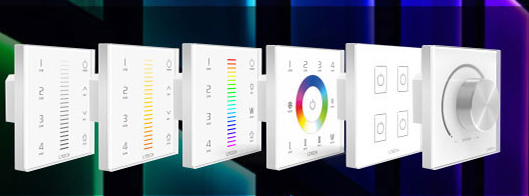
An RF receiver driver (also called a receiving controller) sits between a power supply and the LED strip. It receives wireless commands from a hand-held remote or wall touch panel and dims each output channel by pulse width modulation (PWM). Depending on the model and how it is wired, it controls single colour, tuneable white (CCT), RGB, RGBW or RGB+CCT strip, with no control cable between the remote and the lights.

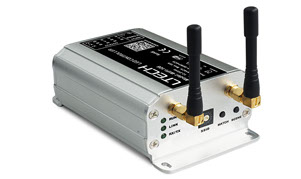
Our range from Mi-Light, MiBoxer, Ltech and Sunricher covers 1 to 5 channel receivers. Most run from a 5–24VDC or 12–24VDC supply with constant voltage outputs, and constant current versions drive LED fittings at 350, 700 or 1050mA. Combo models such as the MiBoxer CL series have a mains power supply built in, and some receivers add WiFi app control or a DMX interface.

  • Wireless control of LED strip from remotes and touch panels
  • Single colour, CCT, RGB, RGBW and RGB+CCT models
  • Zone control and synchronised effects across receivers
  • Constant voltage and constant current outputs
  • WiFi app and voice control on FUT W+ models
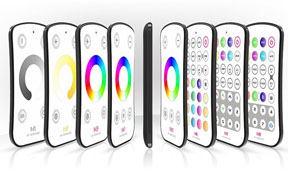
RF receiver range at a glance

  • Brands: Mi-Light, MiBoxer, Ltech, Sunricher
  • RF: 2.4GHz, 433MHz or 868MHz
  • Channels: 1 to 5
  • DC input: 5–24V, 12–24V or 12–48V
  • Mains input: CL, SRP combo models
  • CV output: 3A – 12A per channel
  • CC output: 350 / 700 / 1050mA
  • Range: Typically 30m
Request a Quote Technical Enquiry

The technology

How RF receiver drivers work

The remote or touch panel sends a short radio message, usually in the 2.4GHz band, carrying its own ID, the zone and the command. A receiver only responds to IDs it has learned during pairing, so neighbouring systems do not interfere.

The receiver switches each output channel on and off at high frequency using PWM. Changing the on-time of the red, green, blue, white or warm and cool white channels sets the brightness and colour of the strip.

Receivers can relay and synchronise: on many 2.4GHz systems a receiver passes the signal on to others within range, so colour changing effects stay in step across long runs.

A remote and a touch panel sending 2.4GHz commands to two synchronised RF receiver drivers, each driving RGBW LED strip with four PWM channels Wireless control of RGBW strip over 2.4GHz RF Remote Touch panel 2.4GHz RF Sync / relay RF receiver driver Zone 1 RF receiver driver Zone 1 RGBW strip RGBW strip, in sync PWM per channel:
Simplified illustration: the remote or panel sends its ID, zone and command; paired receivers set the PWM on-time of each colour channel and keep effects in sync.

Control systems

Matching receivers to remotes and panels

Each brand uses its own radio protocol, so receivers must be paired with remotes and panels from the same system.

SystemReceiversRFControlled fromExtras
Mi-Light / MiBoxerFUT series, FUT035W+, FUT037W+, LS2, CL series2.4GHzFUT remotes, B/T series touch panelsWiFi app and voice control (W+ models, or via gateway)
Ltech 2.4GHzP5, T3, T4, R4, F4, F4/F5-DMX, T3-5A2.4GHzLtech Mini, T, F, V and Q remotes, touch panels, WiFi-104/106CC versions, DMX interface (F-DMX)
Ltech 433MHzM3-3A, M3-5A433.92MHzLtech M series mini remotesLow-cost RGB control
SunricherSR-1009F series, SRP-1009-75RGBW868 / 915 / 434MHzSR-2818/2819 remotes, SR-2820 panelsCV or CC, mains input (SRP)
StandaloneBC350RF, BC354RFRF remoteRotary knobs on the unit or remoteLED display, 37 modes

See also 2.4GHz RF minicontroller sets and 433MHz minicontroller sets.

Outputs

Constant voltage and constant current receivers

Choose the output type to match the LEDs you are controlling.

FeatureConstant voltage (CV)Constant current (CC)Mains combo
For12V and 24V LED stripLED fittings and modules12V or 24V strip, no separate PSU
Input5–24VDC or 12–24VDC supply12–48VDC supply (Ltech CC)100–240VAC (CL) or 220–240VAC (SRP)
OutputPWM at supply voltage, 3–12A per channel350 / 700 / 1050mA per channel60W or 75W (CL), 300–1500mA CC (SRP)
ExamplesFUT, P5, T3-CV, T4-CV, R4-5A, F4-5A, LS2T3-CC, T4-CC, R4-CC, F4-CCCL-1P to CL-4P, SRP-1009-75RGBW

Benefits

Advantages of RF receiver drivers

Why RF control is a simple, low-cost way to add colour and dimming to LED strip.

No control wiring

Remotes and battery or mains touch panels link to receivers by radio, with no cables to the lights.

Full colour control

Dimming, tuneable white, RGB, RGBW and RGB+CCT, often from the same multi-mode receiver.

Zones and sync

Control areas separately from one remote, or run effects in step across many receivers.

App and voice

FUT W+ receivers and gateways add smartphone app control and Alexa or Google voice control.

CV and CC

Drive LED strip or constant current fittings from the same family of remotes and panels.

DMX ready

Ltech F4-DMX and F5-DMX receivers also accept wired DMX512 for larger installations.

Selection & set-up

Choosing and installing an RF receiver

  • Pick the system first: choose the remote or panel you want, then a receiver from the same brand and RF band.
  • Match the channels: 1 channel for single colour, 2 for CCT, 3 for RGB, 4 for RGBW and 5 for RGB+CCT.
  • Check the current: keep each channel within its rating, and the total within the receiver's maximum load.
  • Size the supply: the power supply must match the strip voltage and cover the full load with at least 20% headroom.
  • Pair each receiver: use the learning button or power-on method in the datasheet to link it to the remote or zone.
  • Mind the range: typically 30m in open space; metal enclosures and walls reduce it, so mount receivers where the signal can reach.

Related technology and products

Complete the system and compare other control methods:

Ask an Engineer
2.4GHz
Main RF band
1–5
Output channels
30m
Typical range
0
Control cables

Where RF receiver drivers are used

Wherever LED strip needs simple wireless colour and dimming control.

Residential

Kitchen, cove, bedroom and garden strip from a remote or wall panel.

Hospitality

Colour changing bar, back-light and mood lighting.

Retail

Shelf, display and window lighting with zones.

Signage

RGB effects on illuminated signs and channel letters.

Events and exhibitions

Quick-to-install colour lighting for stands and stages.

Retrofit

Add colour control to existing strip without new cabling.

Explore

Explore RF and wireless LED control

Browse our remotes, panels and other wireless controllers.

FAQ

RF receiver driver questions

An RF receiver driver sits between a low voltage power supply and the LED strip. It receives wireless commands from a hand-held remote or wall touch panel and dims each output channel by PWM, so single colour, tuneable white, RGB, RGBW and RGB+CCT strip can be controlled with no control wiring.

Each receiver learns the ID of its remote or touch panel. Typically you press the learning button on the receiver, or switch its power on, and then press a button or zone on the remote within a few seconds; the lights flash to confirm. The exact steps are in each receiver's datasheet, and the same steps with a long press clear the pairing.

No. Although many systems use the 2.4GHz band, each brand uses its own protocol. Mi-Light and MiBoxer FUT receivers work with FUT remotes and B/T series panels, Ltech receivers work with Ltech remotes and panels, and Sunricher SR receivers work with SR remotes and panels.

Zones let one remote control several receivers or groups separately, for example kitchen and lounge strip on different zone buttons. Sync makes several receivers in the same zone run colour changing effects in step, so long runs fed by more than one receiver change together.

Use a constant voltage (CV) receiver for standard 12V or 24V LED strip, which is powered at a fixed voltage. Use a constant current (CC) receiver, such as the Ltech T3-CC, T4-CC, R4-CC or F4-CC set to 350, 700 or 1050mA, for LED fittings and modules that need a fixed current.

Need help with wireless LED control?

Our team can help you choose receivers, remotes, panels and power supplies for your project.

Talk to Our Engineers