Request a Quote

Casambi CC LED Driver Technology

How Casambi enabled constant current drivers bring wireless Bluetooth control to LED downlights, spotlights and panels, and how to choose the right one.

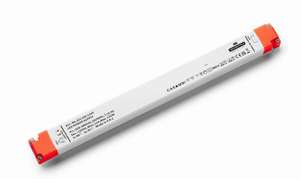
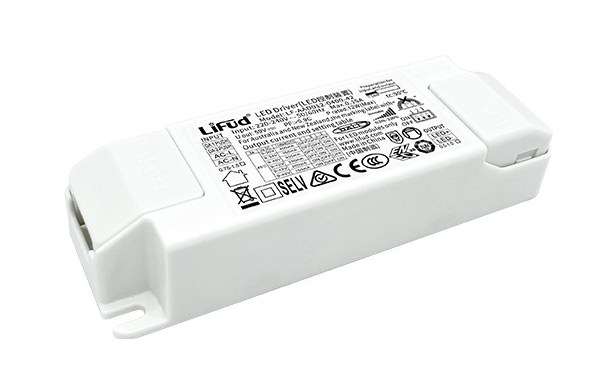
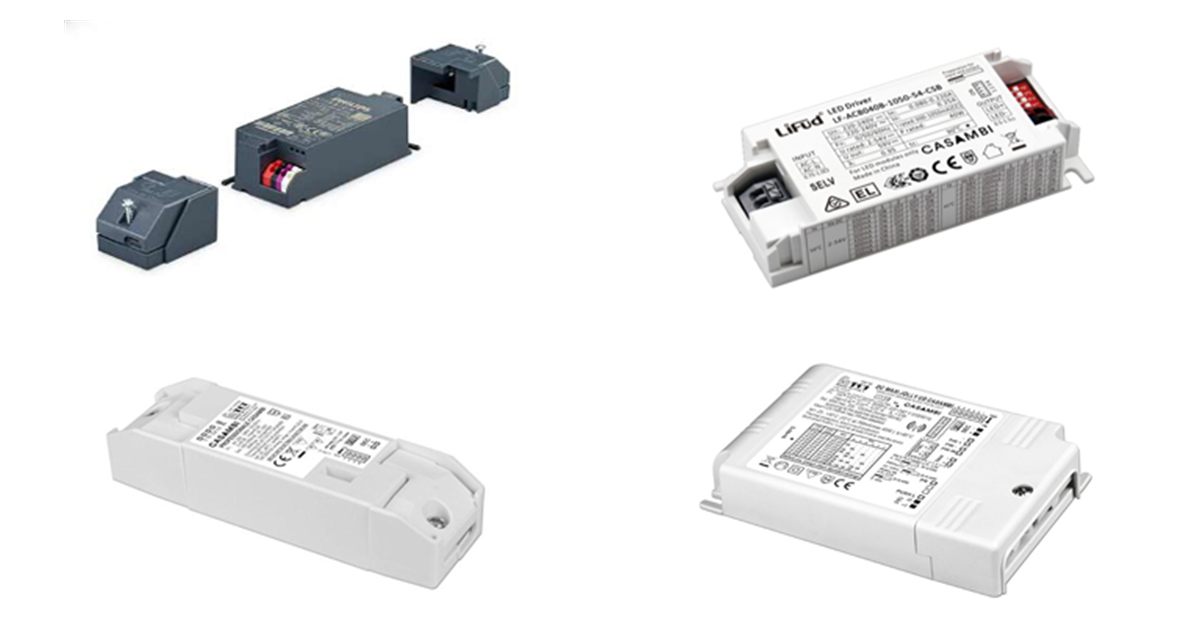
Casambi enabled constant current LED drivers from Philips, Lifud and TCI

Overview

What is a Casambi CC LED driver?

A Casambi enabled constant current (CC) driver is a mains LED driver with a Casambi Bluetooth Low Energy radio built in. It powers an LED module at a fixed current, and can be switched, dimmed and grouped from the Casambi app on a phone or tablet, or from Casambi compatible wireless switches and sensors. There is no control wiring between the driver and the controls, and no gateway is needed.

Our Casambi CC range from Philips, Lifud and TCI covers 13W to 62W with output currents from 100mA to 1200mA. Lifud and TCI drivers set the current with a DIP switch, and Philips Xitanium drivers use SimpleSet. Philips and TCI models also accept a standard push switch for local control.

  • Wireless control from the Casambi app, switches and sensors
  • Self-forming Bluetooth mesh: no gateway or control cables
  • Adjustable output current to suit the LED module
  • Smooth dimming down to 0.1% on Lifud models
  • Push switch input on Philips and TCI models
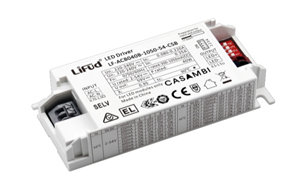
Casambi CC range at a glance

  • Brands: Philips, Lifud, TCI
  • Output current: 100mA – 1200mA
  • Power: 13W – 62W
  • Input: 220-240VAC mains
  • Control: Casambi Bluetooth mesh
  • Other inputs: Push switch
  • Current setting: DIP switch or SimpleSet
  • Dimming: Down to 0.1% or 1%
Request a Quote Technical Enquiry

The technology

How Casambi control works

Every Casambi driver is a node in a Bluetooth Low Energy mesh. Each node relays messages to its neighbours, so a command from the app or a switch reaches every driver in the network, even those out of direct range of the phone.

The network is commissioned in the Casambi app: drivers are added, named and grouped into rooms, scenes and timers. The settings are stored in the network itself, so the lights keep working without the phone.

The driver then regulates a constant current into the LED module and dims it to the level requested. On models with a push input, a wired push switch adds local on/off and dimming.

The Casambi app and a wireless switch controlling three Casambi constant current drivers linked by a Bluetooth mesh, each driving an LED module Wireless control over a Bluetooth mesh Casambi app Phone / tablet Switch Wireless switch Bluetooth mesh Casambi CC driver Lifud LF-ACB Casambi CC driver TCI 127645 Casambi CC driver Philips Xitanium LED module 100% 60% 25%
Simplified illustration: commands from the app or a switch hop between drivers across the mesh, and each driver dims its constant current output to the requested level.

Control options

Casambi compared with wired dimming

How wireless Casambi control compares with DALI and Triac dimming for constant current LED fixtures.

FeatureCasambiDALITriac (phase-cut)
Control linkBluetooth Low Energy mesh2-wire digital busDimmer in the mains live feed
Control wiringNoneSeparate DALI pairNone
Set-upCasambi app on phone or tabletDALI controller or softwareNone
Individual controlYes, every driverYes, up to 64 per busNo, per circuit
Scenes and timersYes, in the appYes, with a controllerNo
Best forRetrofit, flexible spaces, small to medium projectsNew-build commercial projectsSimple dimming on existing circuits

See also DALI LED driver technology and Triac LED driver technology.

Our range

Casambi CC drivers compared

Choose the current to match the LED module, then check the output voltage range covers its forward voltage.

SeriesOutput currentOutput voltagePowerCurrent set byDimming
Philips Xitanium 20W150 – 500mA24 – 54V20WSimpleSet1 – 100%, push input
Philips Xitanium 36W300 – 1050mA24 – 54V36WSimpleSet1 – 100%, push input
Lifud LF-ACB013B100 – 450mA2.5 – 42V13WDIP switch, 8 steps0.1 – 100%
Lifud LF-ACB040B300 – 1050mA2 – 54V40WDIP switch, 16 steps0.1 – 100%
TCI 127630 / 127631300 – 1050mA10 – 54VUp to 38WDIP switch1 – 100%, push input
TCI 127645 / 127643350 – 1200mA10 – 53VUp to 62WDIP switch1 – 100%, push input

TCI 127631 and 127643 are the built-in versions. The TCI 127645 also accepts 110-127VAC input and has an NTC thermal sensor input and a 12V auxiliary output.

Benefits

Advantages of Casambi CC LED drivers

Why Casambi is a popular way to add smart control to LED downlights, spotlights and panels.

No control wiring

Drivers talk to each other over Bluetooth, so only mains power is needed at each fixture.

No gateway needed

The self-forming mesh is commissioned and controlled straight from the app.

Easy set-up

Group lights, create scenes and set timers in the Casambi app, and change them at any time.

Smooth dimming

Flicker-free dimming down to 0.1% on Lifud models and ripple-free amplitude dimming on TCI models.

Adjustable current

Set from 100mA to 1200mA by DIP switch or SimpleSet, so one driver covers many LED modules.

Push switch input

Philips and TCI models add local control from a standard retractive push switch.

Selection & set-up

Choosing and installing a Casambi CC driver

  • Match the current: choose a driver whose range includes the LED module's rated current, then set it by DIP switch or SimpleSet before switching on.
  • Check the voltage: the module's forward voltage must sit within the driver's output voltage range at that current.
  • Check the power: current × forward voltage must not exceed the driver's rating at that current setting.
  • Plan the mesh: keep drivers within Bluetooth range of each other, and avoid fitting them inside fully enclosed metal housings.
  • Commission in the app: add each driver to a Casambi network, then group lights and create scenes.
  • Add switches: use Casambi wireless switches, or a wired push switch on models with a push input.

Related technology and products

Compare other dimming methods and complete the installation:

Ask an Engineer
13–62W
Power range
100–1200mA
Output current
0.1%
Dimming depth (Lifud)
0
Gateways needed

Where Casambi CC drivers are used

Wherever LED fixtures need flexible wireless control without new cabling.

Retail

Spotlights and downlights regrouped as displays change.

Hospitality

Scenes and timers for restaurants, bars and hotels.

Offices

Panels and downlights with wireless switches and sensors.

Retrofit

Smart control in existing buildings with no new control cables.

Residential

App-controlled downlights and feature lighting at home.

Heritage buildings

Modern lighting control where walls cannot be chased.

Explore

Explore smart and dimmable LED drivers

Browse our Casambi drivers and other dimming options.

FAQ

Casambi CC driver questions

A Casambi enabled LED driver has a Casambi Bluetooth Low Energy radio built in. It can be switched, dimmed and grouped from the Casambi app on a phone or tablet, or from Casambi compatible wireless switches and sensors, with no control wiring between the driver and the controls.

No. Each Casambi driver is a node in a Bluetooth mesh network, and every node passes messages on to its neighbours, so the system is commissioned and controlled directly from the app without a gateway. A gateway is only needed if you want to control or monitor the network remotely over the internet.

Lifud LF-ACB and TCI drivers set the output current with a DIP switch on the driver, from 100mA up to 1200mA depending on the model. Philips Xitanium Casambi drivers are set with Philips SimpleSet, which programs the current wirelessly before installation. Always set the current to match the LED module before switching on.

Yes. You can use a battery-free Casambi compatible wireless switch, or wire a standard retractive push switch to the push input of drivers such as the Philips Xitanium and TCI models. A short press switches the light on or off and a long press dims, alongside control from the app.

The Lifud LF-ACB series dims from 100% down to 0.1%, and the Philips Xitanium and TCI drivers dim from 100% down to 1%. The TCI drivers use amplitude (analogue current) dimming for ripple-free light, and the Lifud drivers meet the IEEE 1789 recommendations for flicker.

Need help with wireless lighting control?

Our team can help you choose Casambi drivers, switches and LED modules for your project.

Talk to Our Engineers