Request a Quote

CV DALI LED Driver Technology

How constant voltage DALI drivers bring digital, addressable dimming to 12V and 24V LED strip, and how to choose between DALI-2, DT6 and DT8 tunable white models.

Constant voltage DALI dimmable LED drivers

Overview

What is a CV DALI LED driver?

A constant voltage (CV) DALI driver is a 12V or 24V DC LED power supply with a built-in DALI interface. DALI (Digital Addressable Lighting Interface) is the open, international lighting control standard defined in IEC 62386. Each driver has its own digital address on a two-wire control bus, so LED strip, linear profiles and signage can be switched, dimmed, grouped and set to scenes individually from a DALI controller.

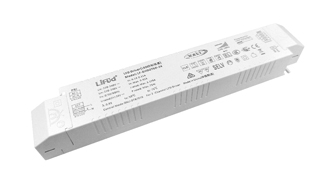
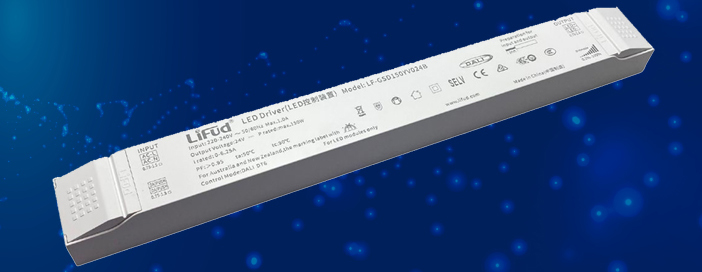
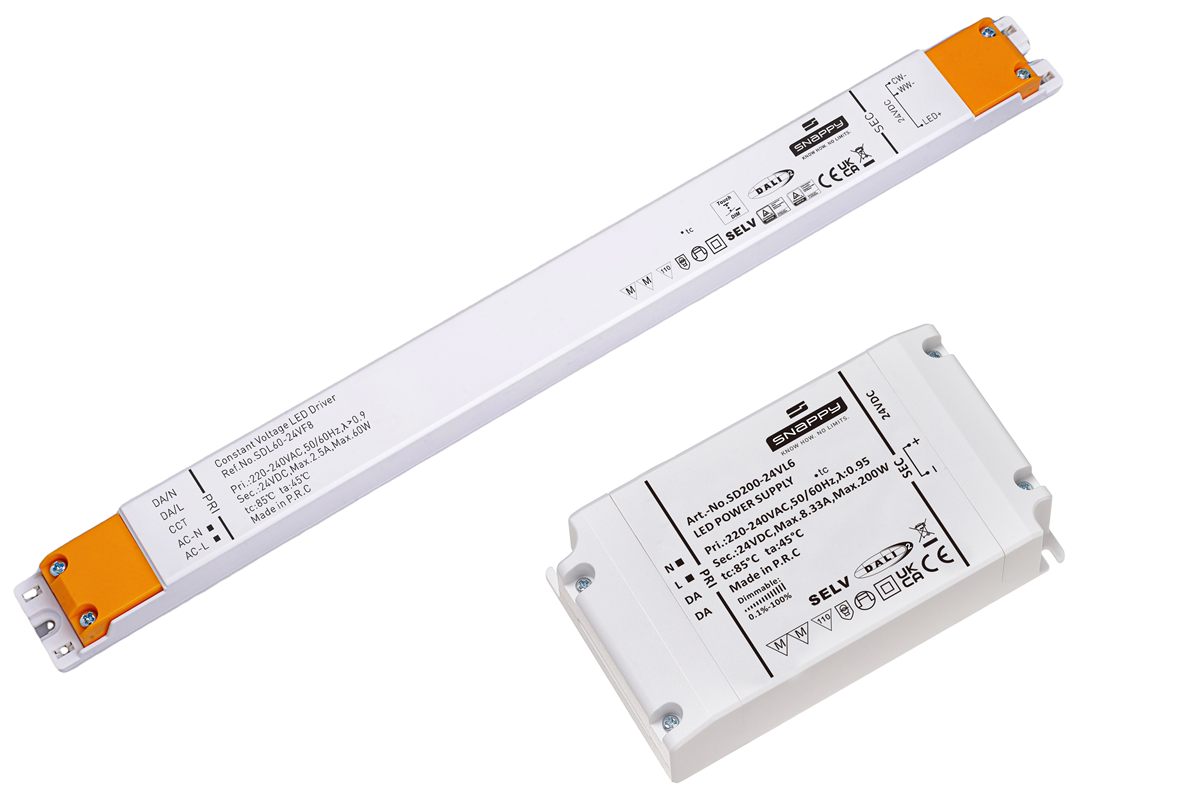
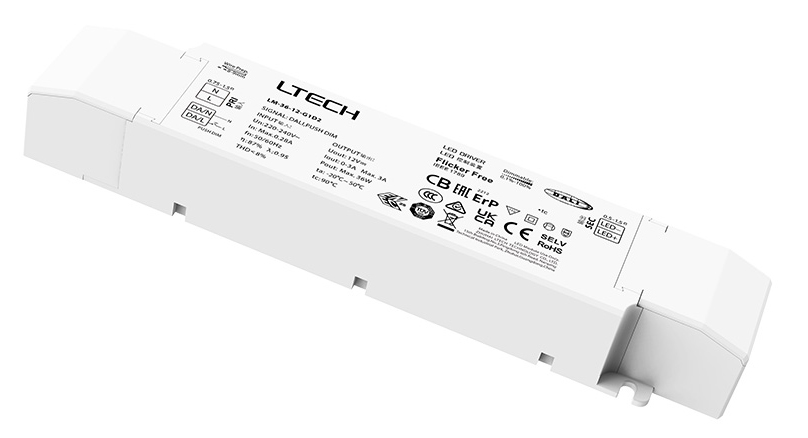
Our CV DALI range from Lifud, Snappy and Ltech covers 36W to 320W at 12V or 24V, in slim linear, compact and IP67 waterproof cases. DALI-2 and DT6 single-channel drivers are available, with DT8 colour temperature models for tunable white strip, and most add mains push dimming as a simple local control.

  • Digital, addressable dimming for 12V and 24V LED strip
  • Smooth, flicker-free PWM dimming with stable colour
  • DALI-2, DT6 and DT8 tunable white options
  • Mains push dimming on most models
  • Indoor IP20 and outdoor IP67 versions
CV DALI range at a glance

  • Brands: Lifud, Snappy, Ltech
  • Output voltage: 12V or 24VDC
  • Power: 36W – 320W
  • Input: 240VAC mains
  • Standards: DALI, DALI-2, DT6, DT8
  • Formats: Linear, compact, waterproof
  • IP rating: IP20 and IP67
  • Other inputs: Mains push dimming, NFC
Request a Quote Technical Enquiry

The technology

How a CV DALI driver works

The driver takes mains power and converts it to a steady 12V or 24V DC output for the LED strip. A separate two-wire DALI bus connects it to the controller, which sends digital commands to each driver by its address.

To dim, the driver uses pulse width modulation (PWM): the output stays at full voltage but is switched on and off thousands of times a second. The DALI level sets how long the output is on in each cycle, so the strip dims smoothly while its colour stays consistent.

Up to 64 drivers share one DALI line, arranged into up to 16 groups and 16 scenes, and each driver can feed several strip runs in parallel up to its rated power.

A DALI controller on a two-wire bus addressing constant voltage DALI drivers, each feeding 24V LED strip dimmed by PWM DALI control of 24V LED strip DALI controller + bus power Mains DALI bus (2-wire) CV DALI driver Address 1 CV DALI driver Address 2 24V 24V LED strip at 80% LED strip at 25% PWM output: long on-time PWM output: short on-time Up to 64 drivers, 16 groups and 16 scenes per DALI line
Simplified illustration: mains (red, dashed) powers each driver, the DALI bus (teal) carries commands, and each driver dims its 24V strip by varying the PWM on-time.

CV or CC?

Constant voltage vs constant current DALI

The DALI control side is the same for both. The choice depends on the LED load you are driving.

FeatureCV DALI driverCC DALI driver
OutputFixed voltage: 12V or 24VDCFixed current: e.g. 350mA, 700mA
Typical loadsLED strip, linear profiles, signage modulesDownlights, panels, COB and linear light engines
Current limitingBuilt into the strip or moduleProvided by the driver
Wiring LEDsSeveral runs in parallel, up to rated powerLEDs in series within the voltage window
Dimming methodPWM of the output voltageCurrent reduction (CCR) or PWM
Our power range36W – 320W6W – 165W

For constant current models, see DALI LED driver technology.

Our range

CV DALI drivers compared

Choose the voltage to match the strip, the power to cover the load, and the DALI type for the control you need.

SeriesOutputPowerIP ratingDimming
Ltech LM3612V / 24V36WIP20DALI-2 + push
Ltech LM7512V / 24V75W / 100WIP20DALI-1 / DALI-2 + push
Ltech LM-75/100-G2D212V / 24V, 2 channels75W / 100WIP20DALI-2 DT8 CT + push
Ltech LM15012V / 24V150WIP20DALI-2 + push
Ltech G1D2F12V / 24V75 – 150WIP20DALI-2 DT6 + push, NFC
Lifud LF-GHD24V75 – 240WIP20DALI-2 DT8 / DT6 + push
Snappy SD96 / SD20024V96W / 200WIP20DALI
Snappy SDL12V / 24V60 – 240WIP20DALI + push
Snappy SDL-VFP12V / 24V60 / 100 / 150WIP67DALI-2 DT6 + push
Snappy SDG12V / 24V100 – 320WIP67, metal caseDALI

Benefits

Advantages of CV DALI LED drivers

Why DALI is a strong choice for controlling LED strip in commercial projects.

Addressable strip lighting

Every driver has its own address, so each strip run can be controlled alone, in groups or in scenes.

Smooth PWM dimming

Flicker-free dimming that keeps the strip's colour consistent from full brightness to low levels.

Tunable white

DT8 drivers control warm and cool channels for full colour temperature control over DALI.

Push dimming

Most models also accept a mains push switch, for simple local control without a DALI controller.

Open standard

IEC 62386 compliance means drivers, sensors and controllers from different makers work together.

Indoor and outdoor

IP20 linear and compact drivers for luminaires, and IP67 cases for façades and wet locations.

Selection & set-up

Choosing and installing a CV DALI driver

  • Match the voltage: use a 12V driver for 12V strip and a 24V driver for 24V strip.
  • Size the power: add up the strip load (W/m × length) and allow at least 20% headroom.
  • Choose the DALI type: DT6 for single-colour dimming, DT8 with two channels for tunable white.
  • Limit voltage drop: on long runs, feed the strip from both ends or from several points.
  • Pick the case: IP20 for inside luminaires and enclosures, IP67 for outdoor and wet locations.
  • Commission the system: address the drivers and set up groups and scenes with the DALI controller.

Complete the DALI system

We supply the strip, controllers and related drivers for a full installation:

Ask an Engineer
64
Drivers per DALI line
12 / 24V
Output voltage
36–320W
Power range
IP67
Waterproof options

Where CV DALI drivers are used

Wherever LED strip needs to be part of a building-wide DALI lighting system.

Offices

Cove, linear and feature lighting on the same DALI system as the panels.

Hospitality

Bar, back-light and mood scenes in hotels and restaurants.

Retail

Shelf and display strip with time-of-day and promotion scenes.

Healthcare

Tunable white DT8 strip for wards, corridors and patient rooms.

Residential

Kitchen, staircase and architectural strip on a smart home DALI system.

Façades

IP67 drivers for outdoor linear and wall-wash lighting.

Explore

Explore CV DALI drivers

Browse our CV DALI driver ranges and controllers.

FAQ

CV DALI driver questions

A constant voltage (CV) DALI driver is a 12V or 24V DC LED power supply with a built-in DALI interface. It powers LED strip and other constant voltage loads, and dims them in response to digital commands from a DALI controller, so each driver can be addressed, grouped and set to scenes individually.

A CV DALI driver holds a fixed output voltage, usually 12V or 24V, and is used with LED strip and modules that have their own current limiting. A CC DALI driver delivers a fixed current, such as 350mA or 700mA, and is used with LED modules and COB light engines without current limiting. The DALI control side works the same way for both.

Most CV DALI drivers dim by pulse width modulation (PWM). The output stays at 12V or 24V but is switched on and off at high frequency, and the DALI level sets how long the output is on in each cycle. This keeps the colour of the LEDs consistent across the whole dimming range.

Yes, with a DALI DT8 driver that has two output channels, one for warm white and one for cool white. The Ltech LM-75/100-G2D2 has two independent outputs for DT8 colour temperature control, and the Lifud LF-GHD series can be switched between DT6 and DT8, so a DALI controller can set both brightness and colour temperature.

Match the driver output voltage to the strip, then add up the strip load in watts (watts per metre multiplied by length) and choose a driver rated at least 20% above that total. For long runs, feed the strip from more than one point to limit voltage drop.

Planning DALI control for LED strip?

Our team can help you choose the right CV DALI driver, strip and controller for your project.

Talk to Our Engineers